Influenster at Bazaarvoice: AI review tips, product page and onboarding
At Bazaarvoice I designed AI review tips for Influenster, a community where shoppers find and review products, and redesigned its product page, onboarding and home feed. I was one of two designers, working with a product manager and three developers.
faster onboarding setup
more user engagement
lower bounce rate
higher accessibility scores
TL;DR
- Problem
- Many users wanted to share their opinion but had trouble writing a useful review. Brands got short reviews with little detail.
- What I did
- Designed Review Coach, an AI assistant that suggests what to cover while users write. Redesigned the product page, onboarding and home feed, and documented the design system across both apps.
- Outcome
- Onboarding setup 40% faster, engagement up 30%, bounce rate down 20% and accessibility scores up 30%. Review Coach raised both the number and the quality of reviews.
AI review tips
AI-written reviews tend to sound fake. We wanted to keep the user's own voice and use AI to point out what the review was missing.
How Review Coach worked
Bazaarvoice announced Review Coach publicly in April 2023.
- The shopper starts a review. They pick a product, give a rating and start describing their experience.
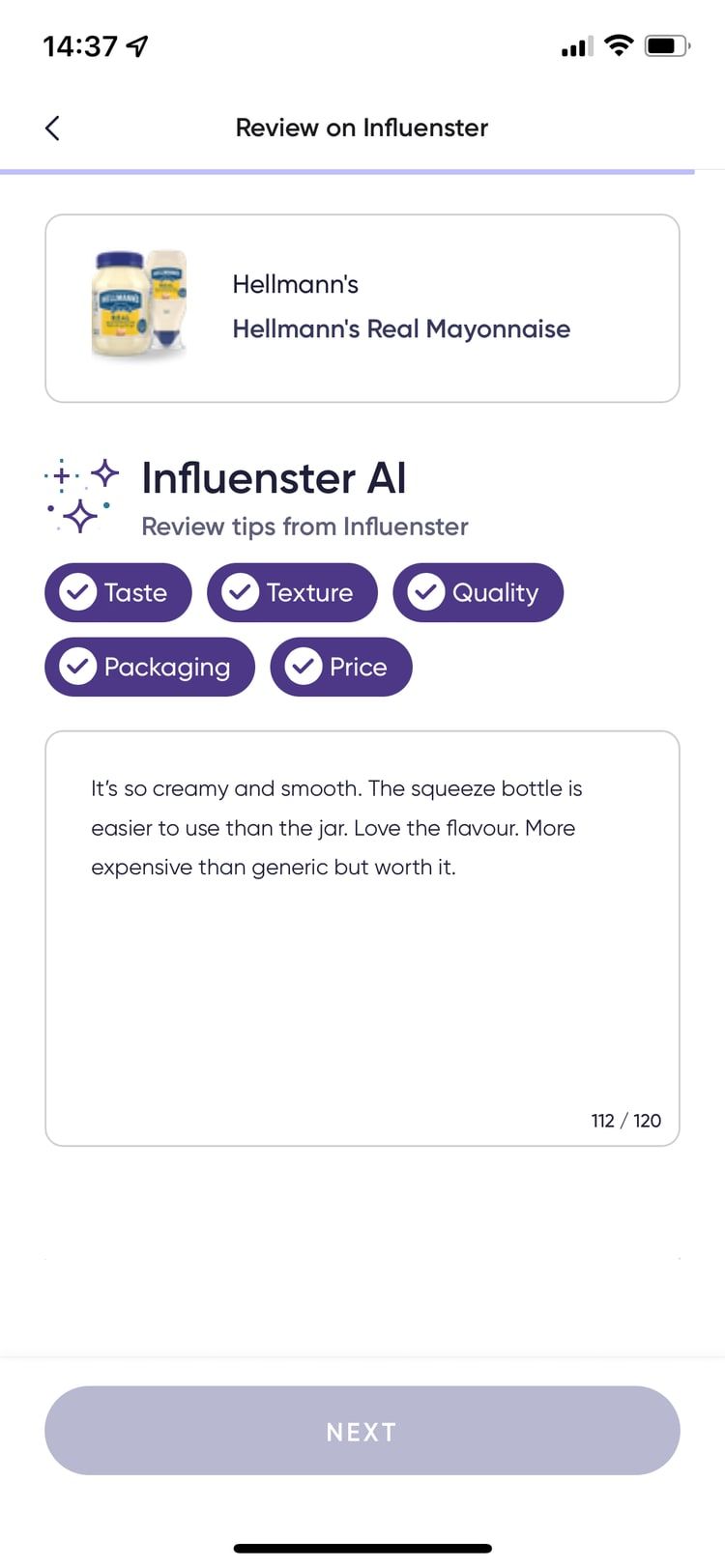
- The AI suggests topics. Influenster AI shows review tips for that product, such as taste, texture, quality, packaging and price, and checks each one off as the review covers it.
- The shopper writes it. They choose what to add and use their own words. The AI doesn't make up an experience.
- The review is published. It has more detail for the next shopper and for the brand.
A review before and after the tips
Before: "I loved this product. I recommend it."
After: "I used this cream for three weeks. It has a light texture, absorbs quickly and doesn't feel greasy. It worked well during the day, though I'd prefer a pump bottle."
The second one mentions usage time, texture, results and one downside.
Product page
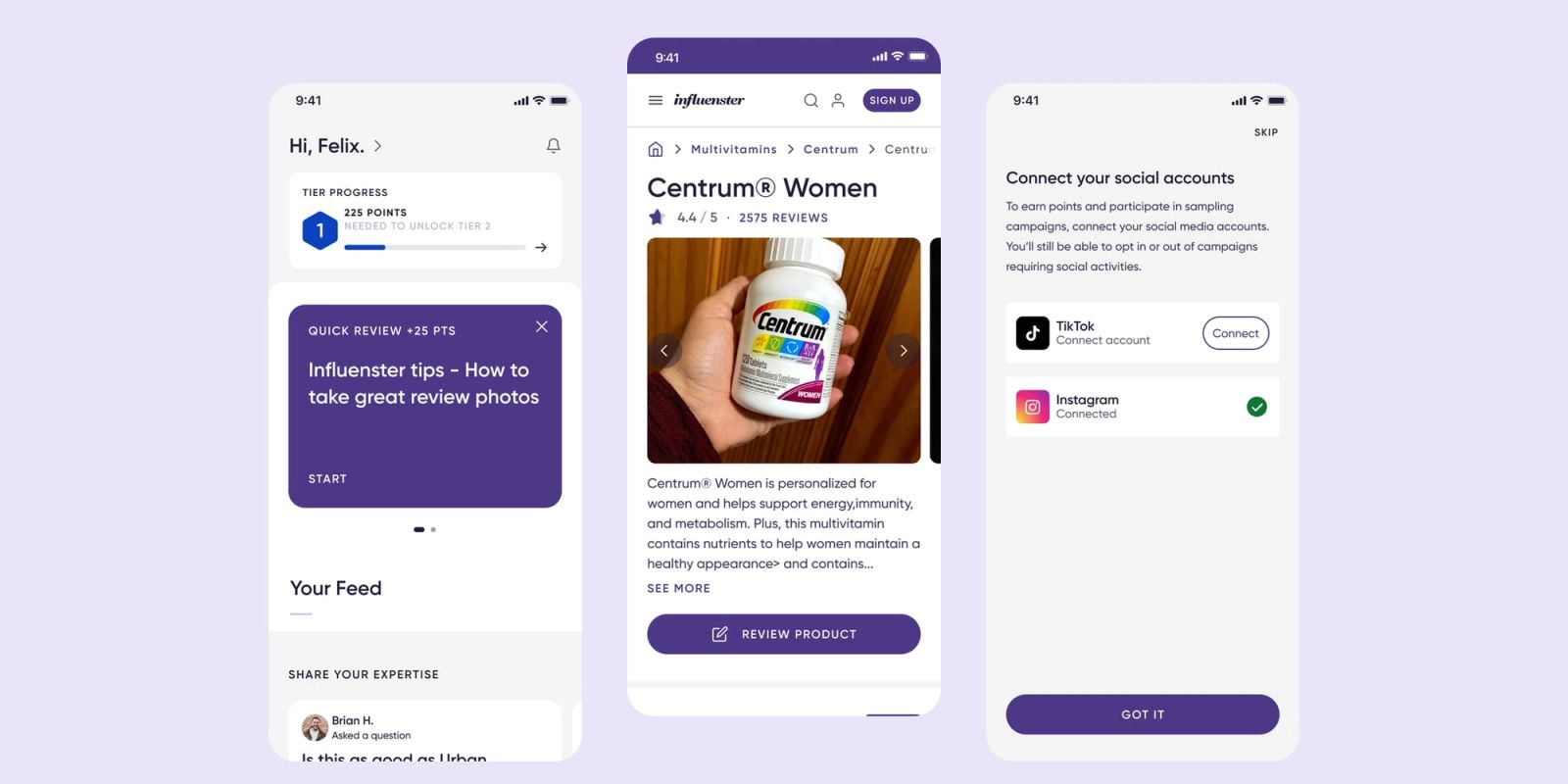
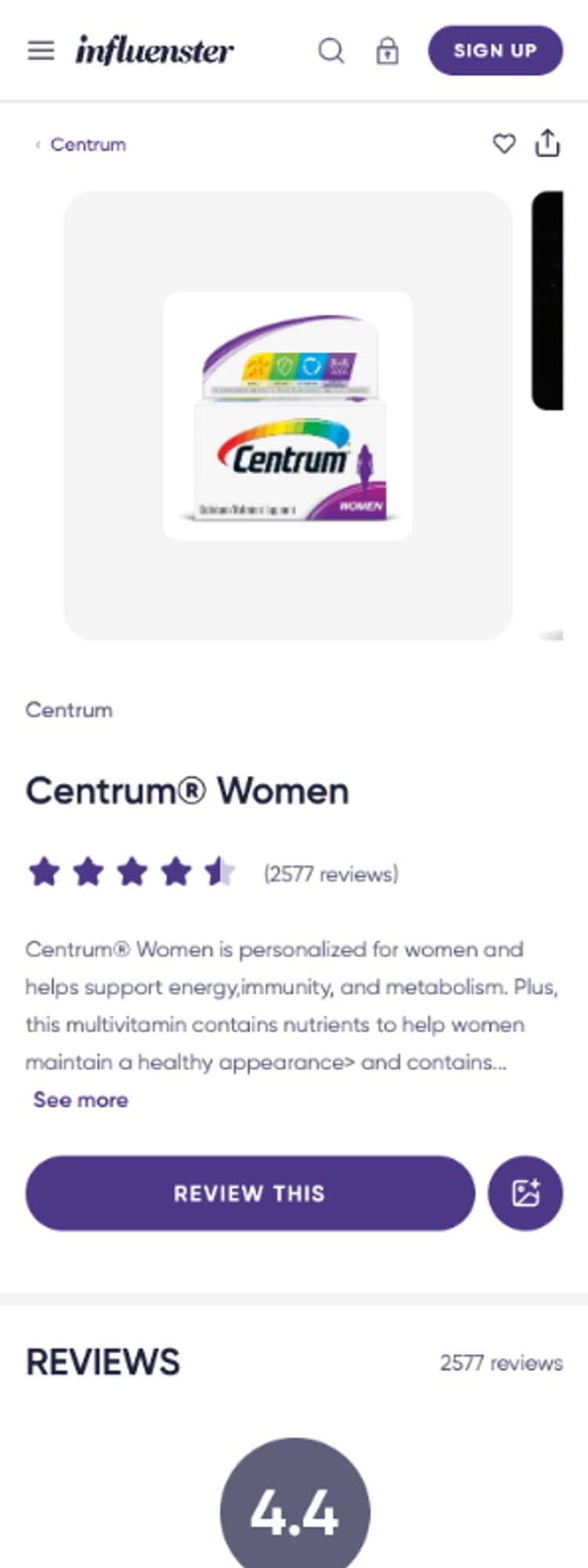
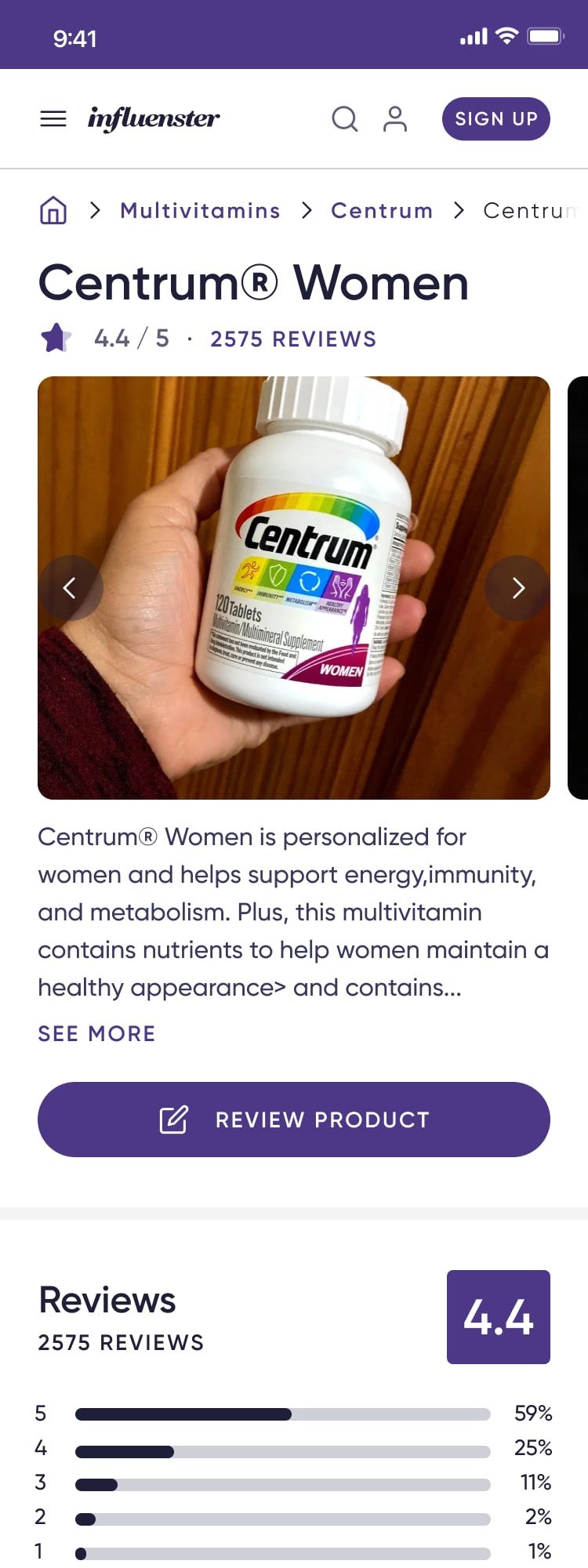
Shoppers make up their minds on the mobile product page, and it's also where reviews start. I moved the rating summary and its distribution right under the product, with "Write a review" one tap away. Reviews show as cards with a "Helpful?" action, and Q&A got its own section with a prompt to ask people who have used the product.
Onboarding and social accounts
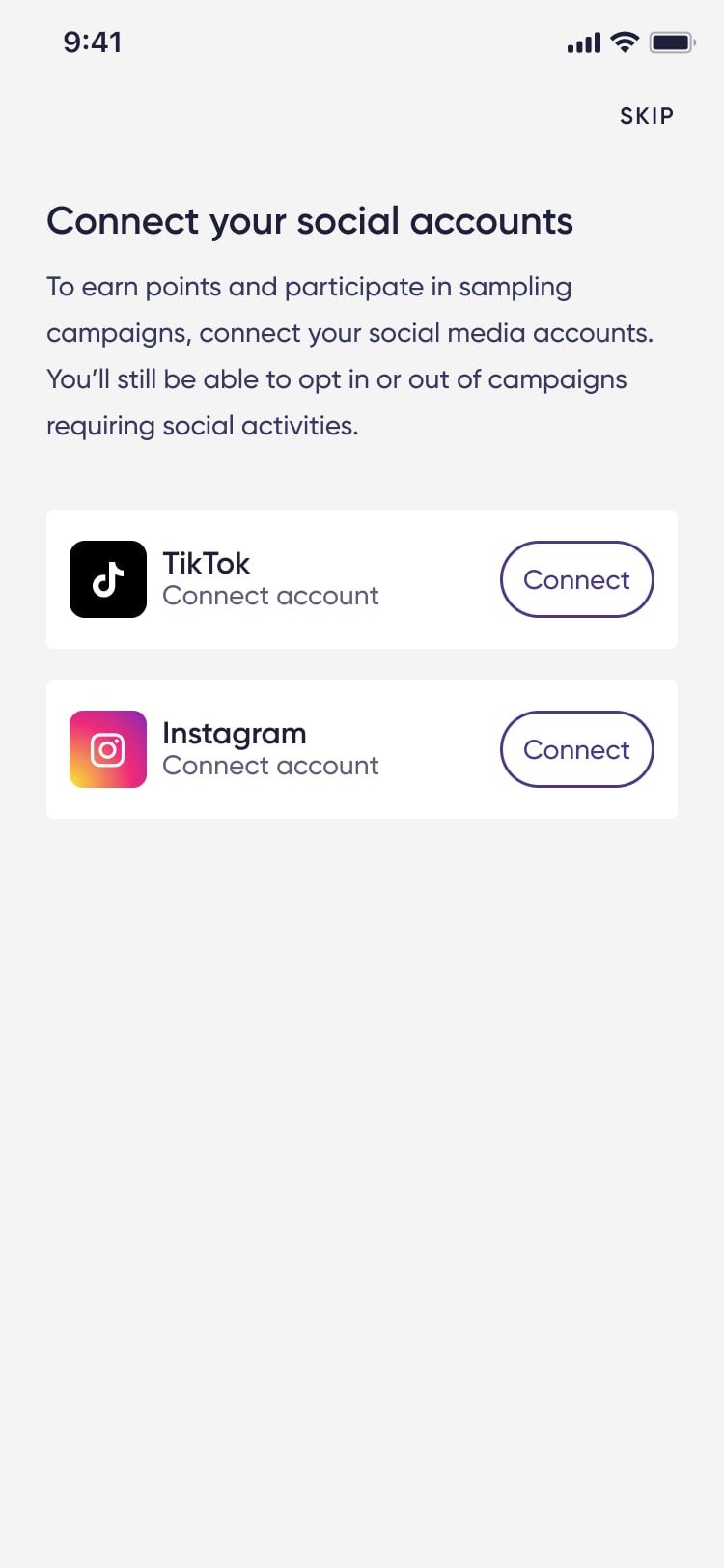
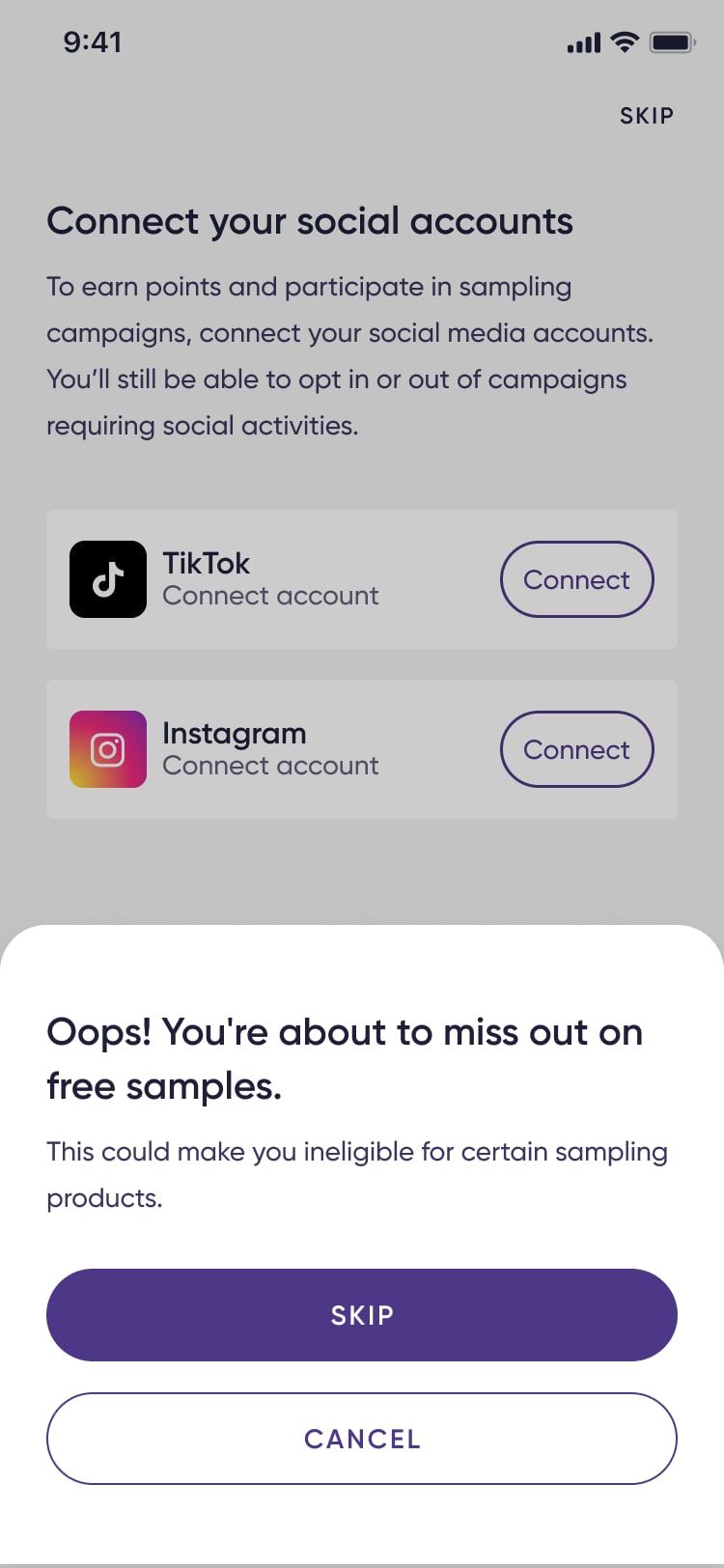
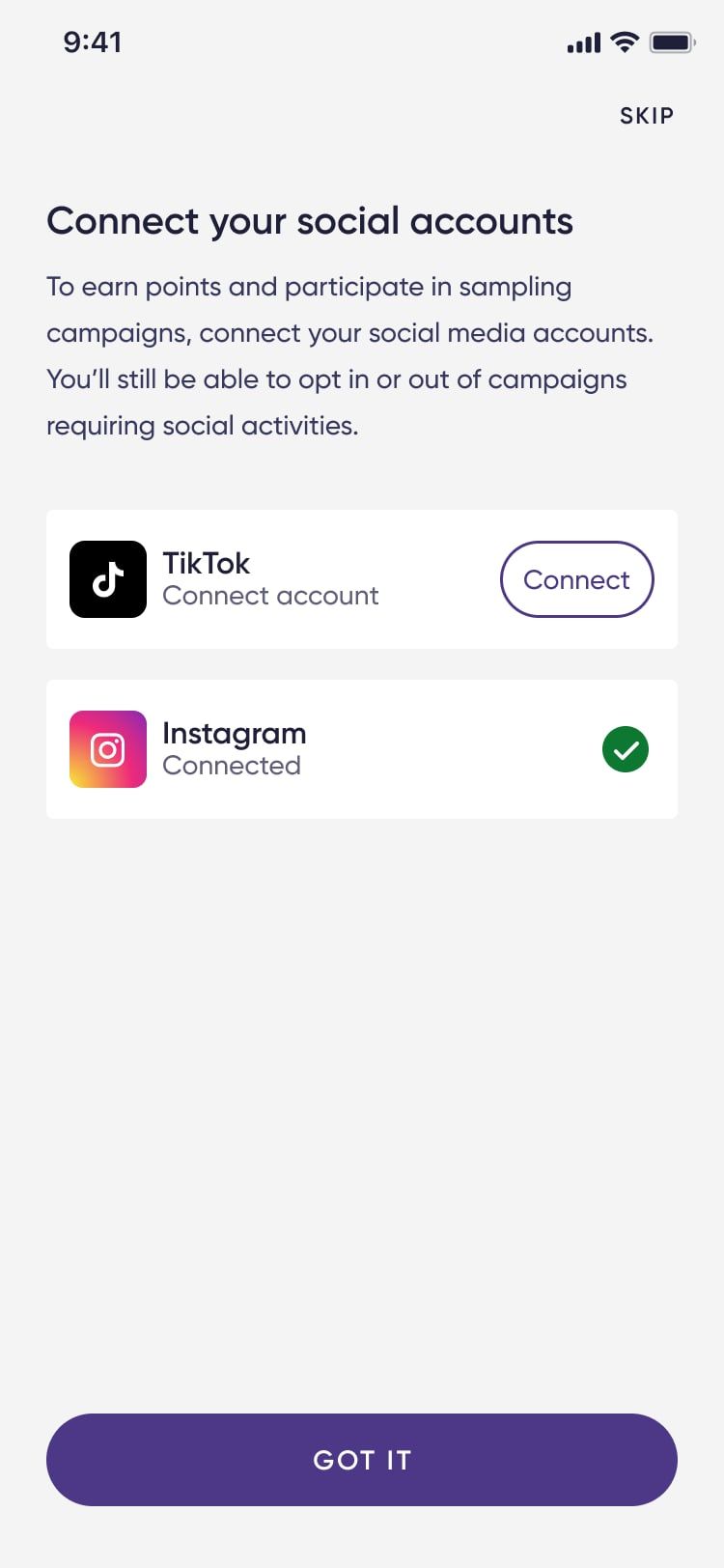
Sampling campaigns need a connected Instagram or TikTok account, and asking for it during sign-up adds a step people can drop off at. The new onboarding explains what connecting gets you (points and access to sampling campaigns) and keeps Skip visible. If someone skips, a short sheet tells them what they'll miss before they confirm.
Home feed
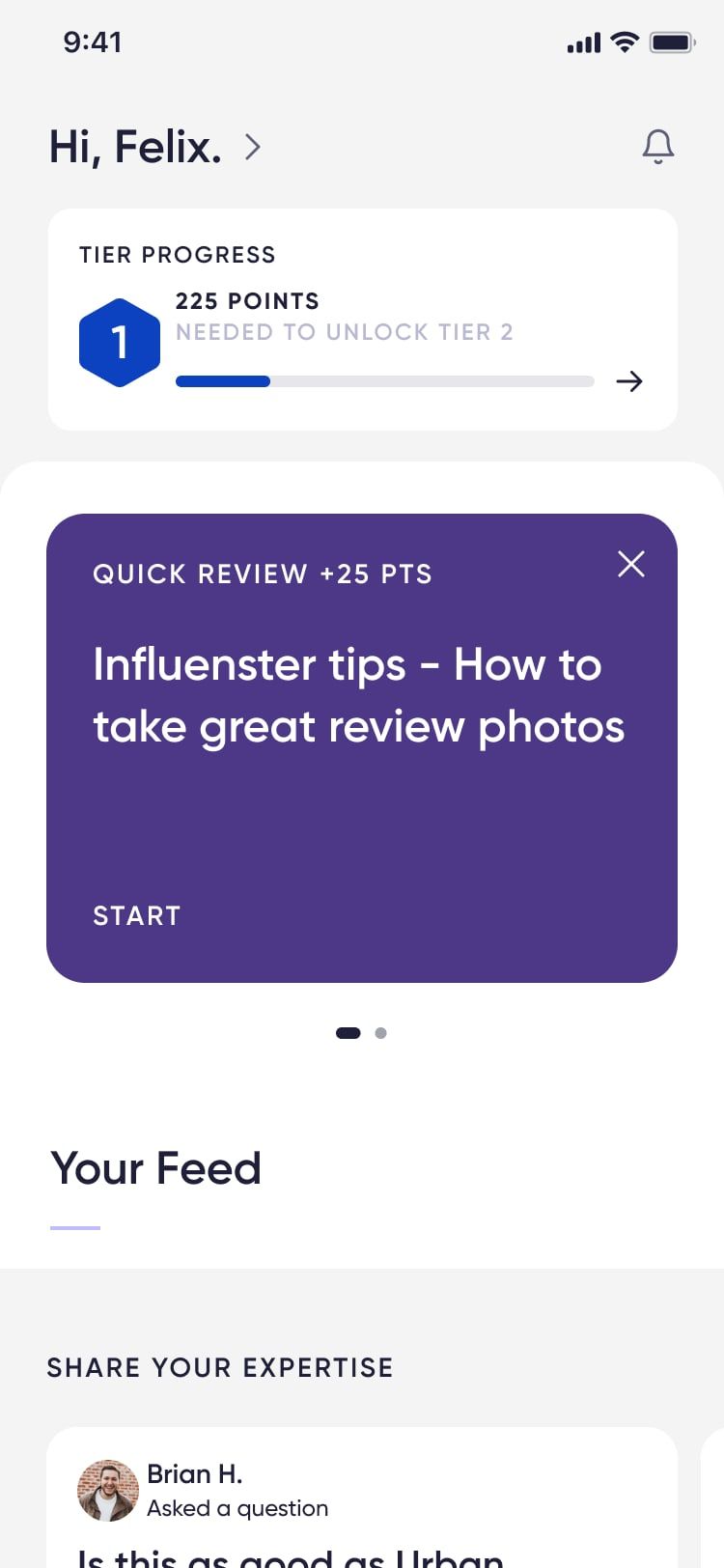
The home feed opens with tier progress, showing members how close they are to the next level. Below it are quick tasks worth points, like tips for taking better review photos, and "Share your expertise" cards that ask members to answer other shoppers' questions about products they know.
Design system and accessibility
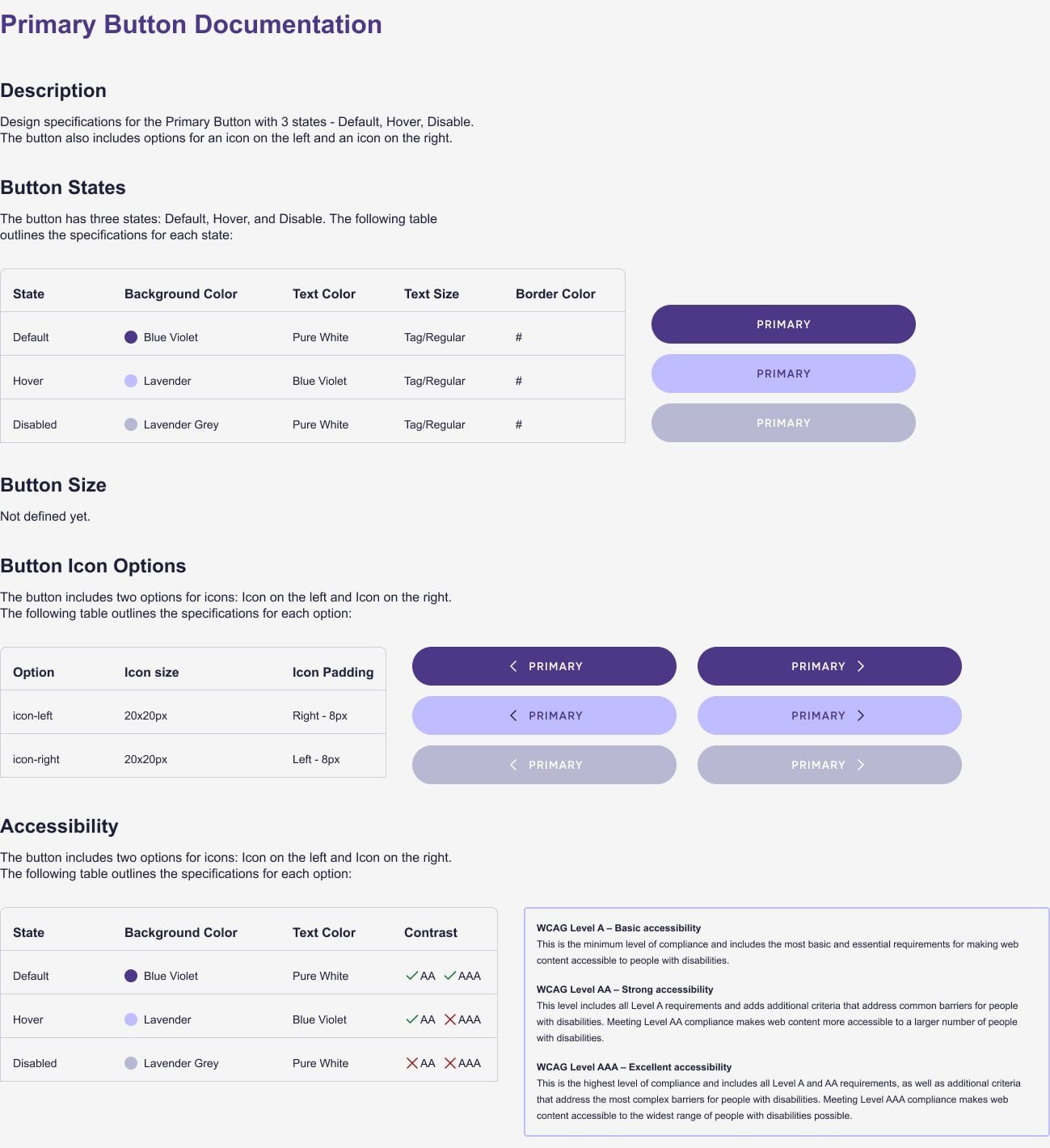
- Documented the design system shared across Influenster and Bazaarvoice applications.
- Brought the product in line with accessibility standards, raising accessibility scores by 30%.