AskElephant: redesigning an AI sales assistant around the meeting summary
AskElephant records sales calls and turns them into transcripts, summaries and action items. Engagement was low, so I redesigned onboarding, the meeting page and workflow automation as the only designer on the product.
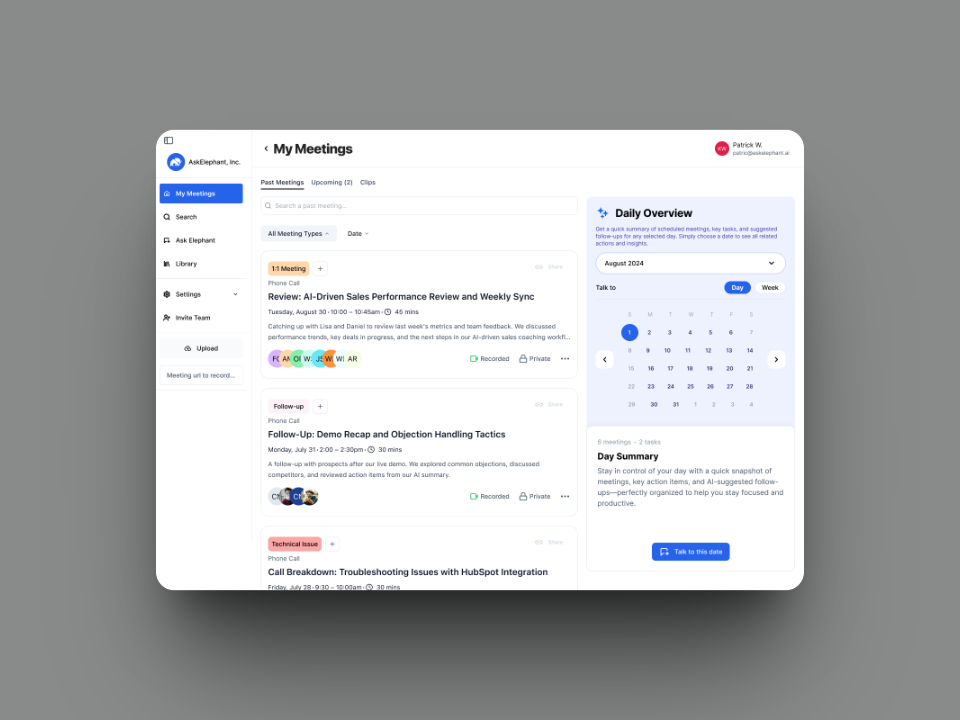
more engagement and workflow efficiency
less cognitive load in AI summaries
higher trial-to-paid conversion (figures confidential)
TL;DR
- Problem
- Users opened a meeting, saw a wall of transcript and left. Trial users rarely reached the features that make the product worth paying for.
- What I did
- Onboarding paths for managers and reps, a meeting page that starts with the summary, a visual workflow builder and a design system on Tailwind and shadcn/ui.
- Outcome
- Engagement and workflow efficiency up 30%, cognitive load in AI summaries down 40%, and higher trial-to-paid conversion.
The problem
AskElephant recorded calls and generated transcripts, summaries and action items. In testing with sales managers and reps, people opened a meeting, saw a wall of transcript and left.
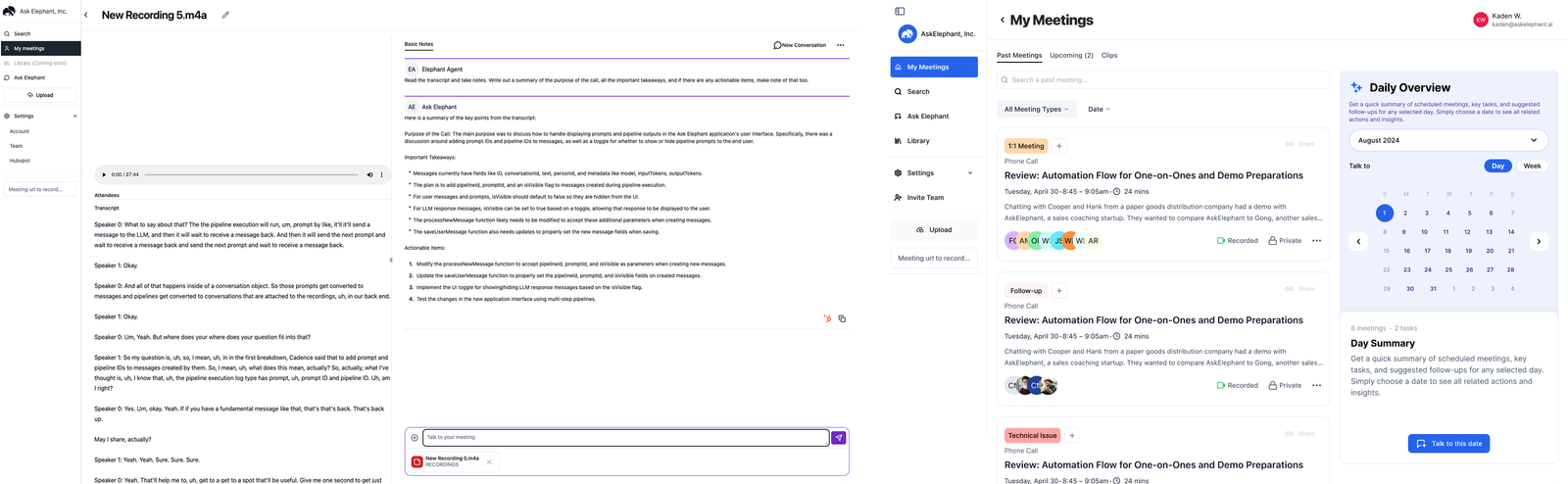
Meeting page
I reordered the meeting page around what a rep needs after a call. Action items come first, then key takeaways, then the "Ask Elephant" prompt. The transcript moved behind a toggle, one click away for anyone who wants to check what the AI said.
Power users wanted the transcript visible all the time. We kept it searchable and easy to open.
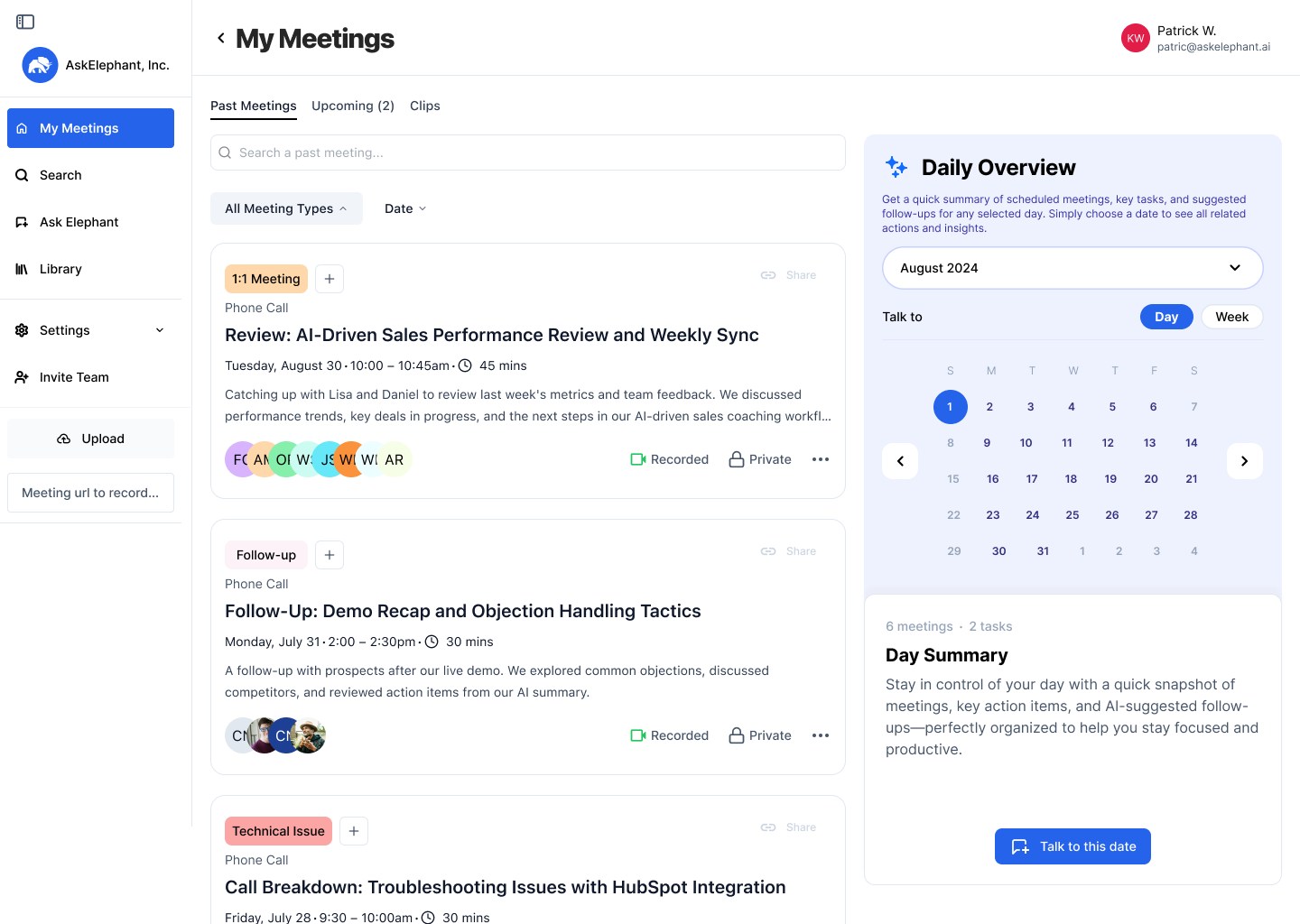
Onboarding for managers and reps
Managers wanted team visibility and coaching, while reps mostly needed help with follow-ups. I designed a separate onboarding path for each role, with short animated explanations.
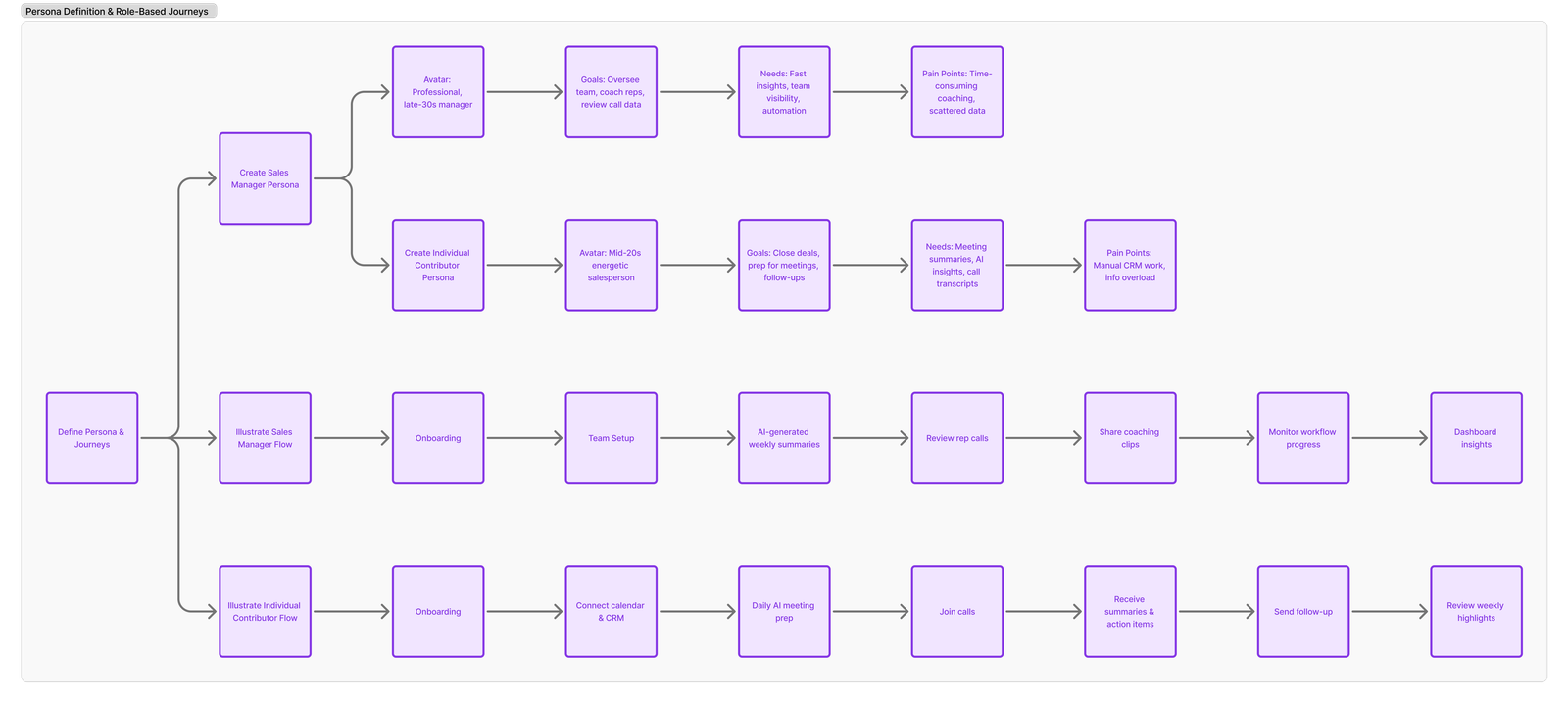
Workflow builder
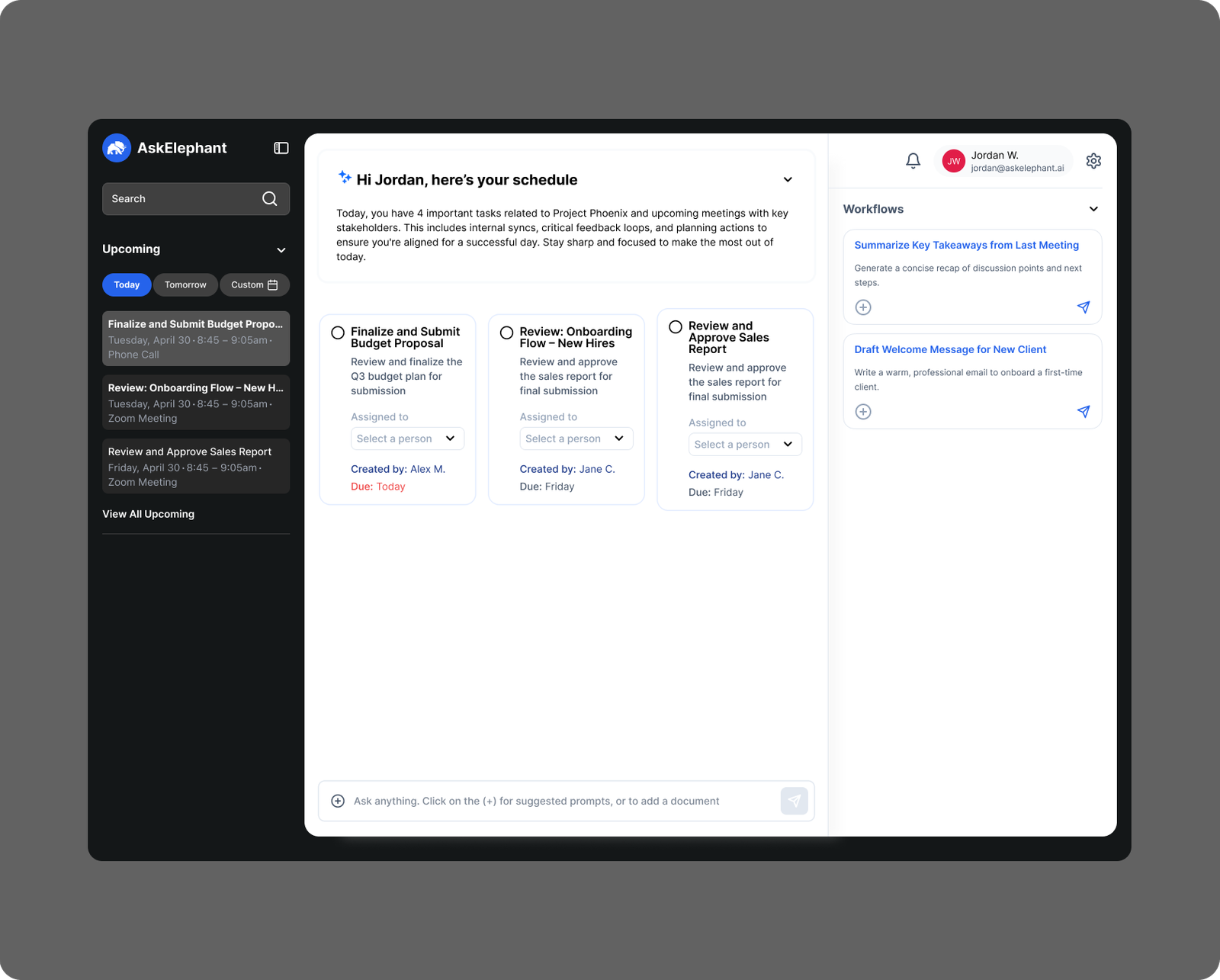
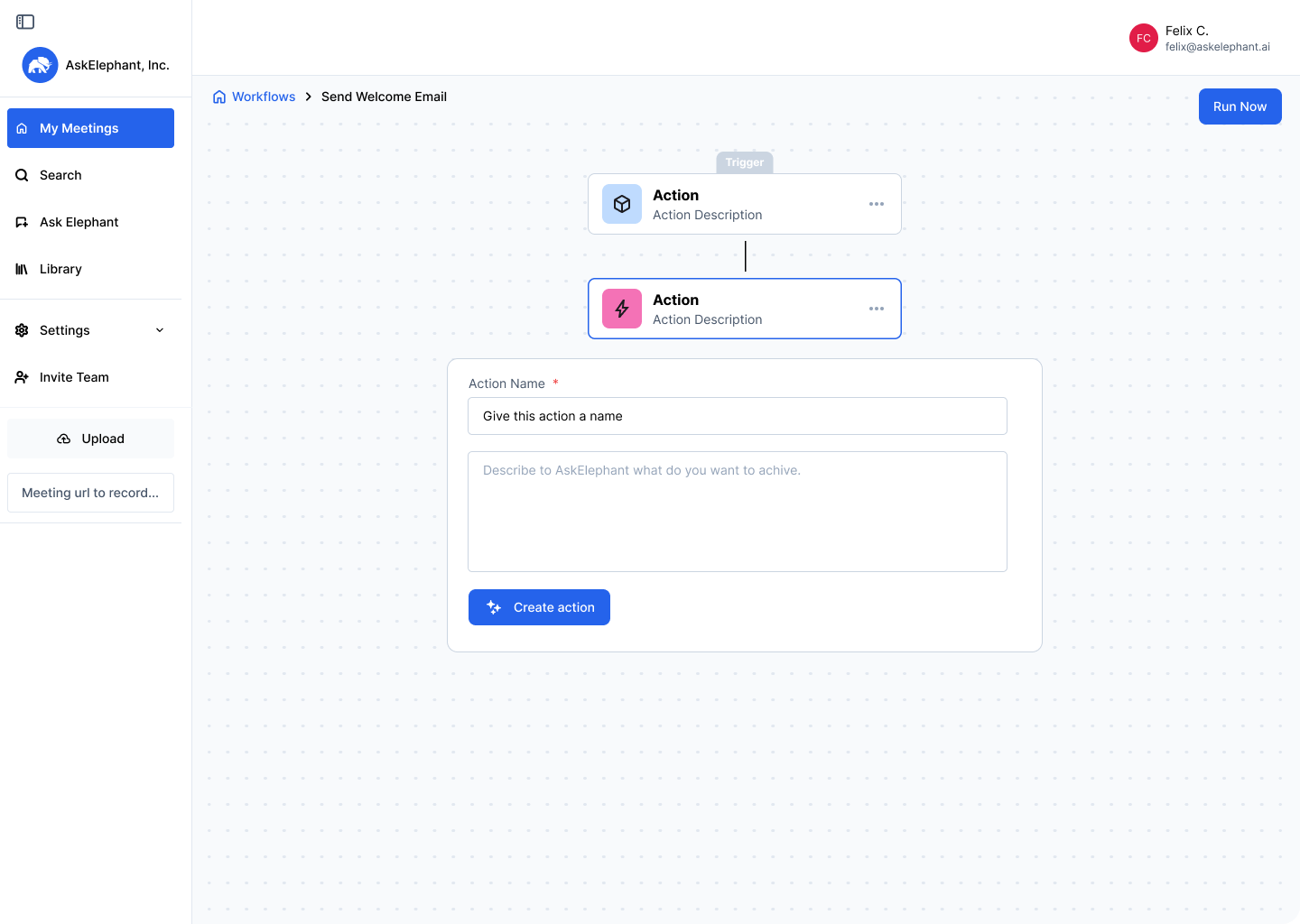
AI workflows (for example, "after every discovery call, update HubSpot and alert the manager in Slack") used to be set up in settings. I designed a drag-and-drop builder that shows the trigger, the AI step and the outcome in one flow. Users can assign a workflow to themselves or to the whole team.
Design system
I designed on Tailwind and shadcn/ui, the same stack engineering used, which made delivery faster, and built a small design system for the custom elements the library didn't cover. Figma components matched the code one to one, in light and dark mode.
Also designed
AI coaching scorecards, manager alerts and CRM automation for HubSpot and Salesforce.